> ## Documentation Index
> Fetch the complete documentation index at: https://docs.fynn.eu/llms.txt
> Use this file to discover all available pages before exploring further.
# Exports
> Export invoices and open items
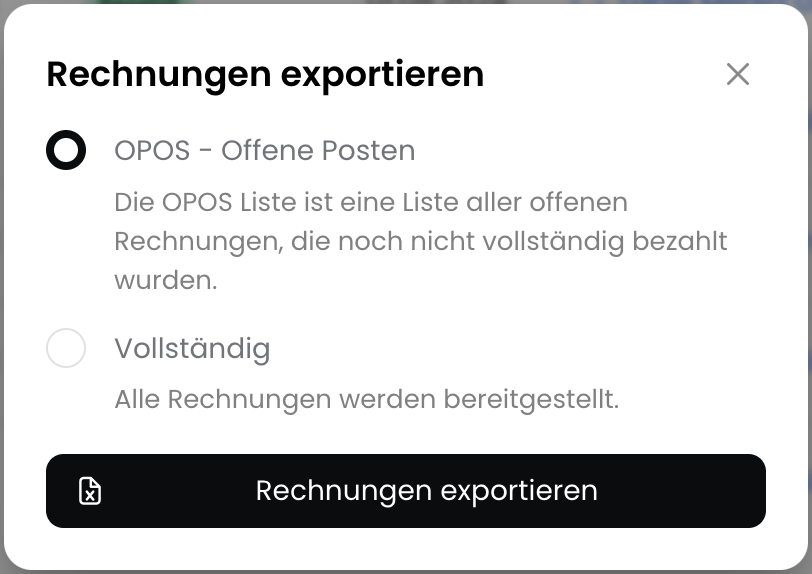
## Export Open Items List
With the open items list, you can export open items (unpaid invoices) in CSV format, for example for accounting purposes.
To do this, navigate to `Documents` > `Invoices` and click on `Export`.
 ## Export Table View
The table can now be fully customized to your needs and the current table view can be exported as CSV.
To export, click on `Export` and select "Table View".
## Export Table View
The table can now be fully customized to your needs and the current table view can be exported as CSV.
To export, click on `Export` and select "Table View".
 ## Filter Invoice List
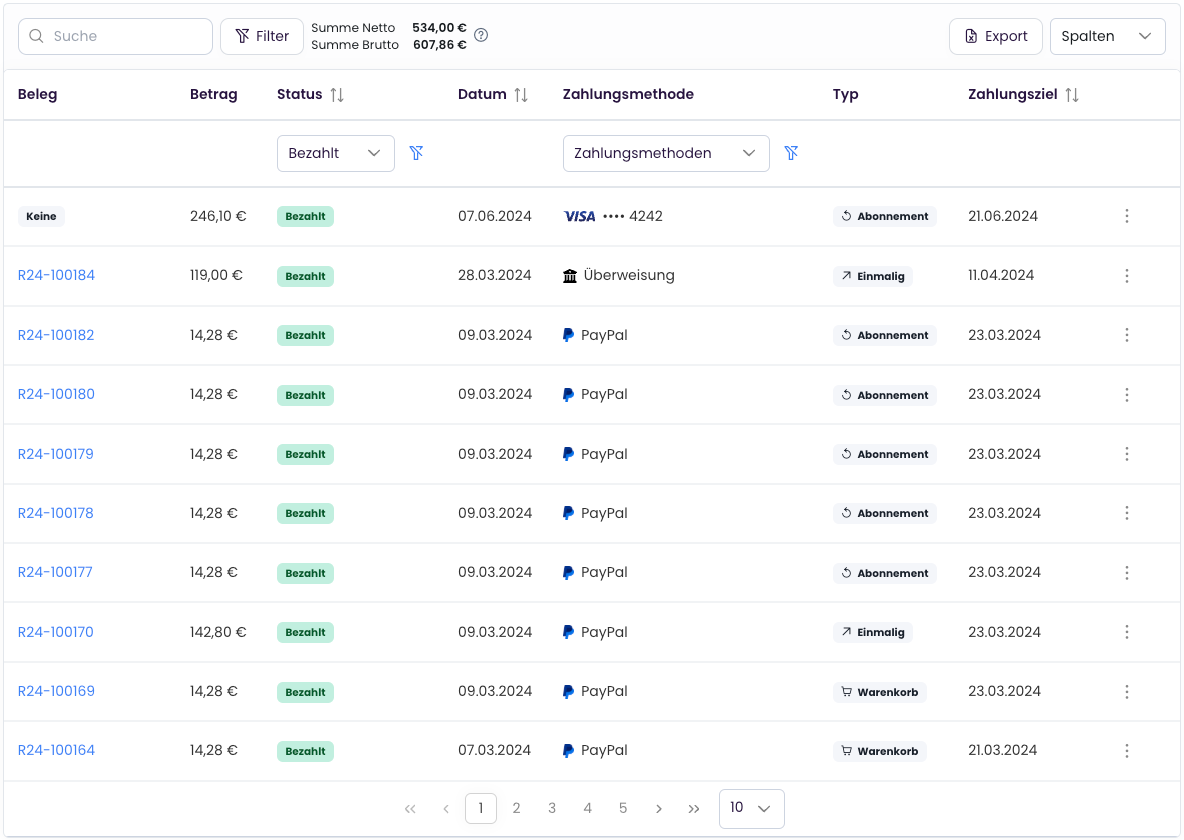
The invoice, payment, and subscription lists have a powerful filter area (e.g., for text, date, and amount filters).
A general introduction can be found under [Lists and Tables](/en/guide/list-views).
Specific examples for invoices, payments, and subscriptions can be found under [Filters for Invoices, Payments, and Subscriptions](/en/guide/invoices/list-filters).
## Filter Invoice List
The invoice, payment, and subscription lists have a powerful filter area (e.g., for text, date, and amount filters).
A general introduction can be found under [Lists and Tables](/en/guide/list-views).
Specific examples for invoices, payments, and subscriptions can be found under [Filters for Invoices, Payments, and Subscriptions](/en/guide/invoices/list-filters).