> ## Documentation Index
> Fetch the complete documentation index at: https://docs.fynn.eu/llms.txt
> Use this file to discover all available pages before exploring further.
# Offers
> Create and manage your offers.
## Signing Offers
### Countersigning an Offer
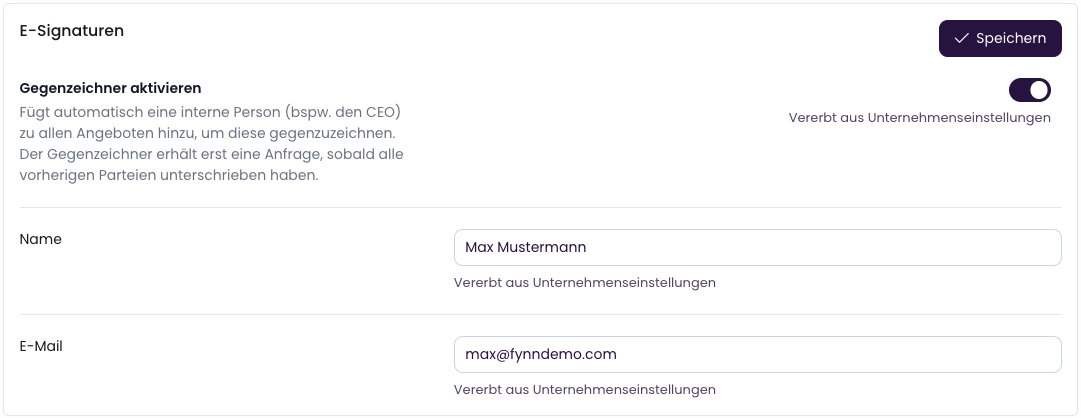
Activate the countersigner in the [Settings](https://app.fynn.eu/settings/offer) to automatically
add an internal signer (e.g., the CEO). Once all parties in the offer have signed,
the countersigner receives a request to sign the offer finally.
 ### Compliance & Security
E-signatures are performed through [DocuSeal](https://www.docuseal.com). This ensures the highest level
of security, transparency, and compliance for digital signatures.
For more information on compliance, see [here](https://www.docuseal.com/compliance).
### Compliance & Security
E-signatures are performed through [DocuSeal](https://www.docuseal.com). This ensures the highest level
of security, transparency, and compliance for digital signatures.
For more information on compliance, see [here](https://www.docuseal.com/compliance).