> ## Documentation Index
> Fetch the complete documentation index at: https://docs.fynn.eu/llms.txt
> Use this file to discover all available pages before exploring further.
# Appearance & Design
> Customize the appearance and design of the shopping cart, customer portal, and documents.
Customize the appearance and design of the shopping cart, customer portal, and documents to optimally present your brand.
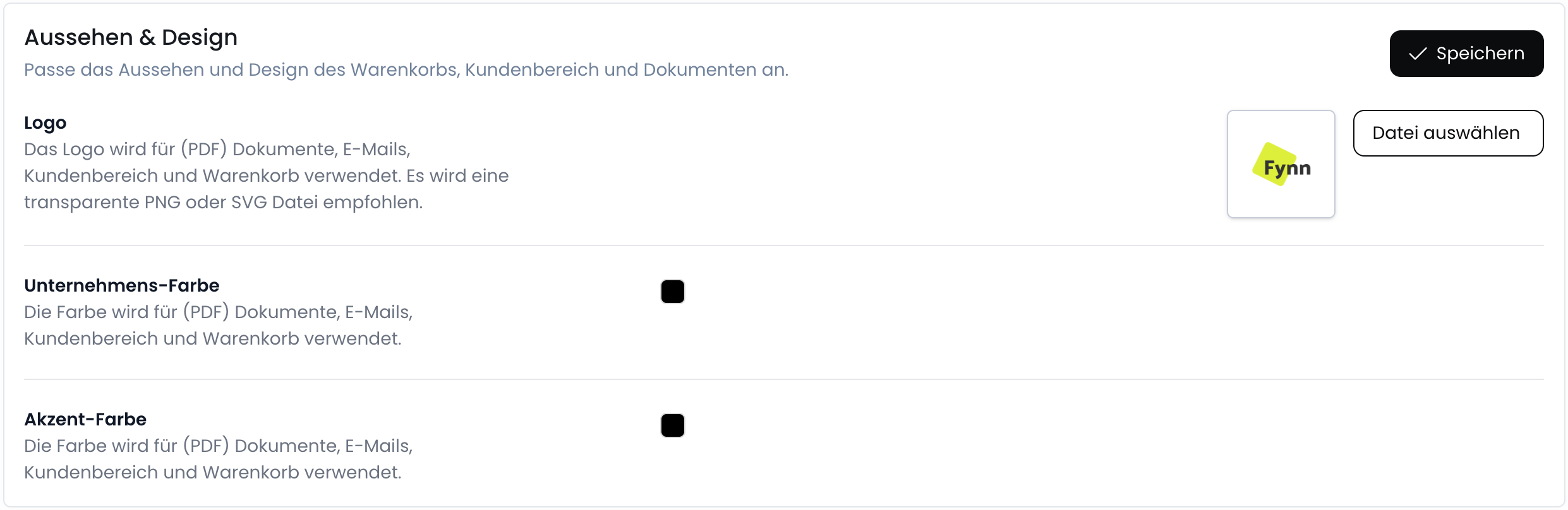
## Logo
Your logo is used for (PDF) documents, emails, the customer portal, and the shopping cart. We recommend a transparent PNG or SVG file for optimal display.
## Company Color
The company color is used for (PDF) documents, emails, the customer portal, and the shopping cart. Choose a color that best represents your brand and appears consistently across all areas.
## Accent Color
The accent color is used for (PDF) documents, emails, the customer portal, and the shopping cart. It serves to highlight important elements and make the design more appealing.
## Customize Appearance
Go to [Settings > General](https://app.fynn.eu/settings) and scroll down to "Appearance".
 ## Document Preview
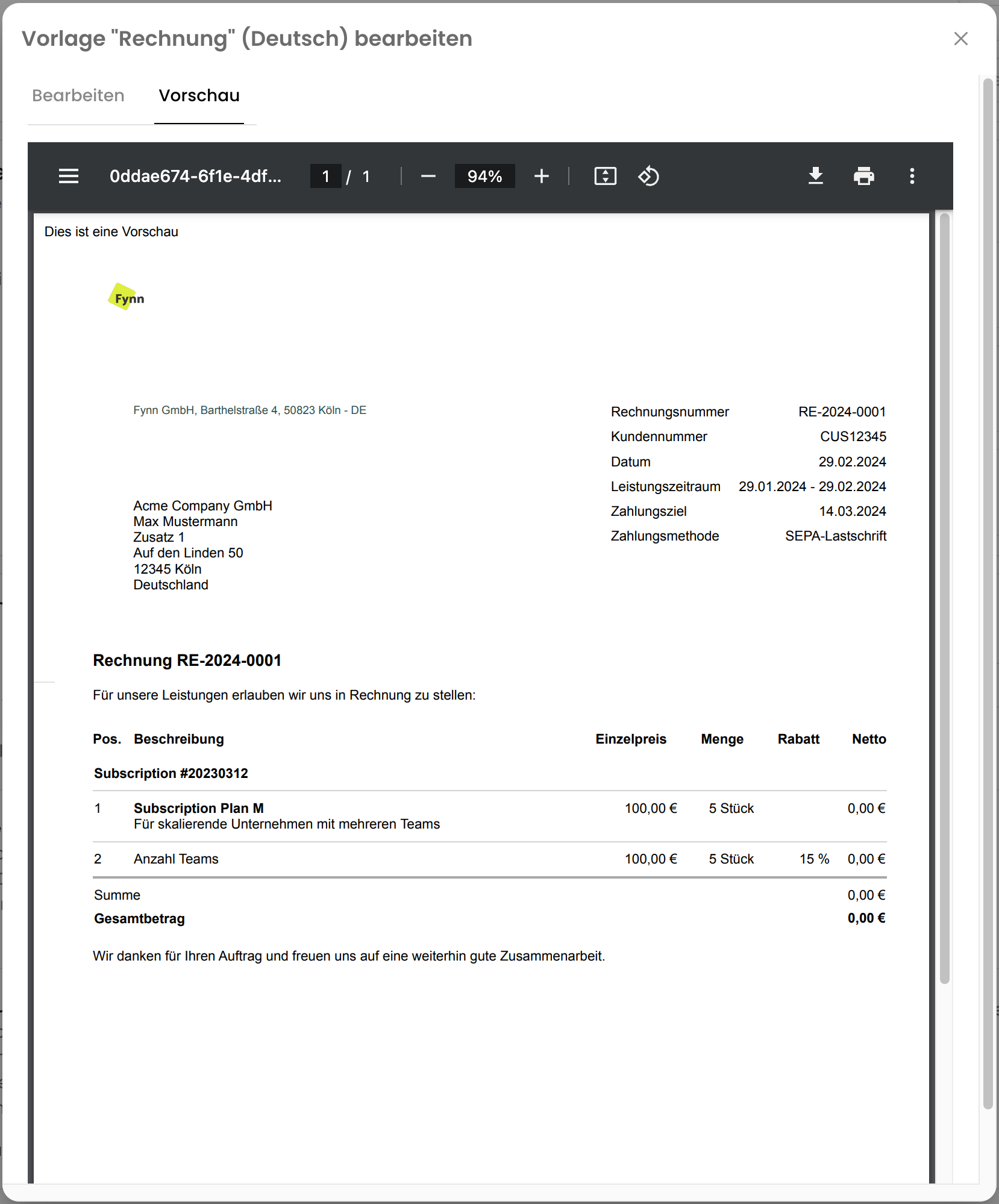
The preview of documents (invoices, cancellations, credit notes) can be accessed as follows:
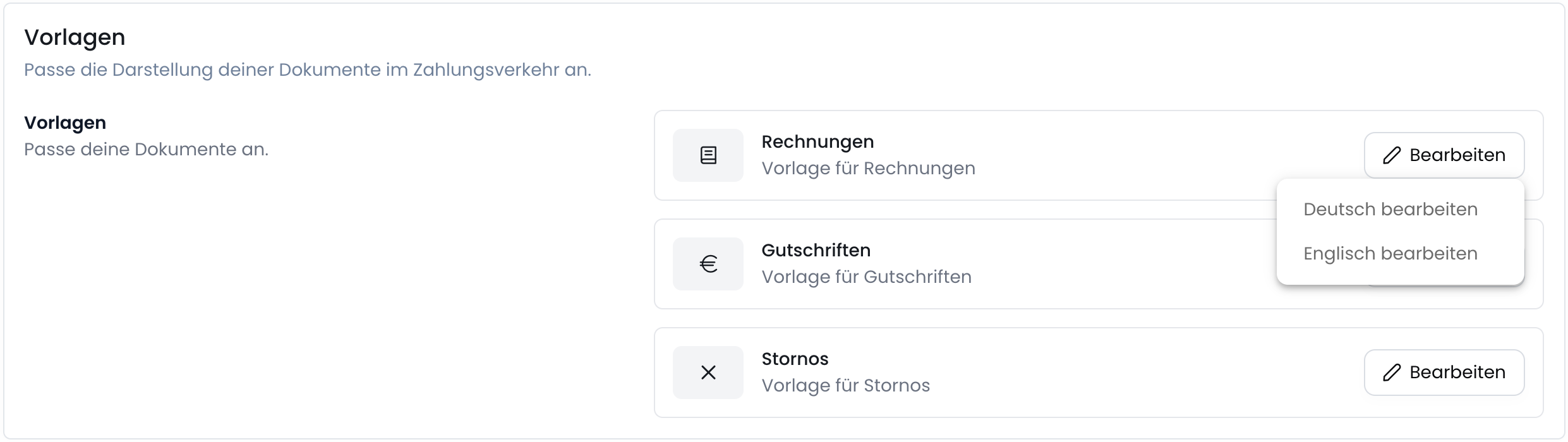
Go to [Settings > Documents](https://app.fynn.eu/settings/invoices) and scroll down to "Templates".
Click on Edit for the "Invoice" or "Cancellation" or "Credit Note" template, and select "Edit German".
## Document Preview
The preview of documents (invoices, cancellations, credit notes) can be accessed as follows:
Go to [Settings > Documents](https://app.fynn.eu/settings/invoices) and scroll down to "Templates".
Click on Edit for the "Invoice" or "Cancellation" or "Credit Note" template, and select "Edit German".
 Click on the "Preview" tab to view the preview.