

Benefits of GoCardless
- Fewer failed payments - 97.1% of payments are successfully collected on the first attempt.
- Automatic payments: GoCardless enables automatic direct debit payments, which simplifies the payment process for customers and businesses and ensures that invoices are paid on time.
- Reduced administrative effort: By automating payments with GoCardless, the manual effort of processing payments and tracking outstanding invoices is eliminated, increasing efficiency and reducing errors.
- Reduced payment default risk: Automatic direct debit collection reduces the risk of late or missed payments, as payments are debited directly from the customer’s bank account.
- Transparent payment processing: GoCardless offers transparent and secure payment processing, which builds trust with customers and increases customer satisfaction.
Connect GoCardless
You don’t need an account to connect GoCardless. You can create one directly during the setup process.
1
Open the payment methods settings
Go to Settings > Payment Methods.
2
Click on Connect
Click the “Connect” button next to the GoCardless logo. You will now be redirected to the GoCardless website, where you can log in with your GoCardless account or create a new account.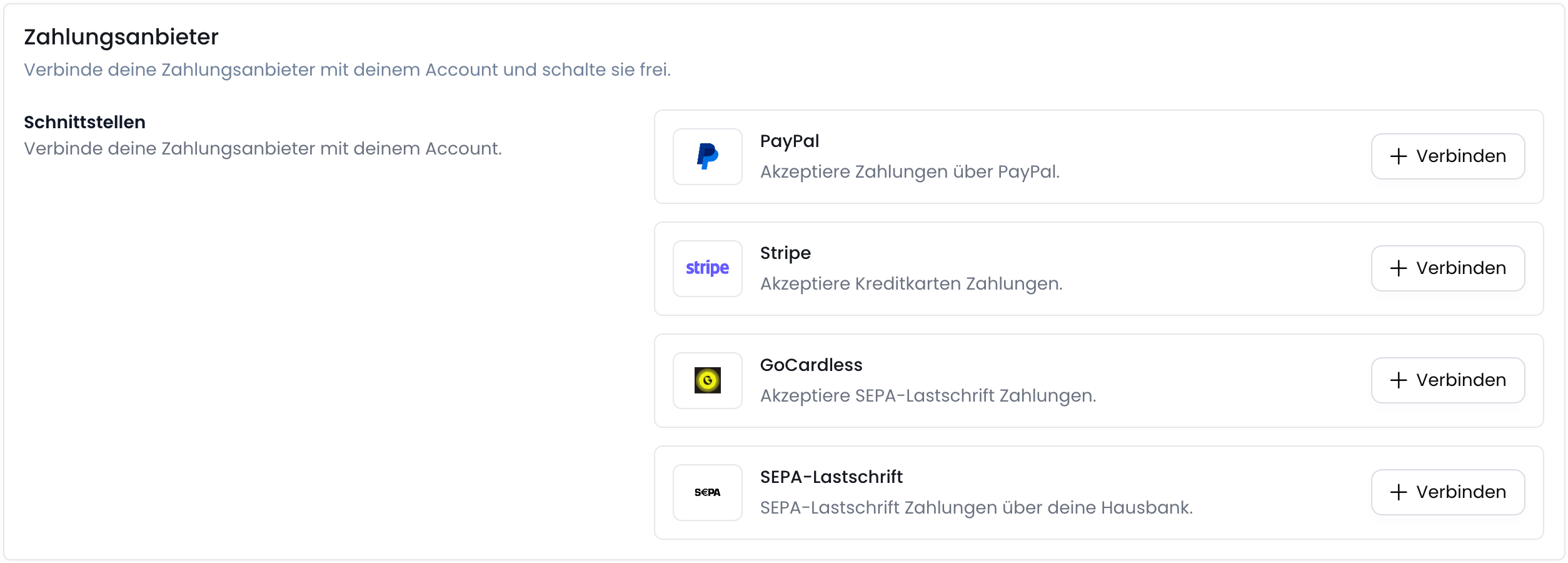
3
Create or log in to GoCardless account
If you already have a GoCardless account, you can log in with your credentials. Otherwise, you can create a new account by clicking “Create an account” and entering the required information.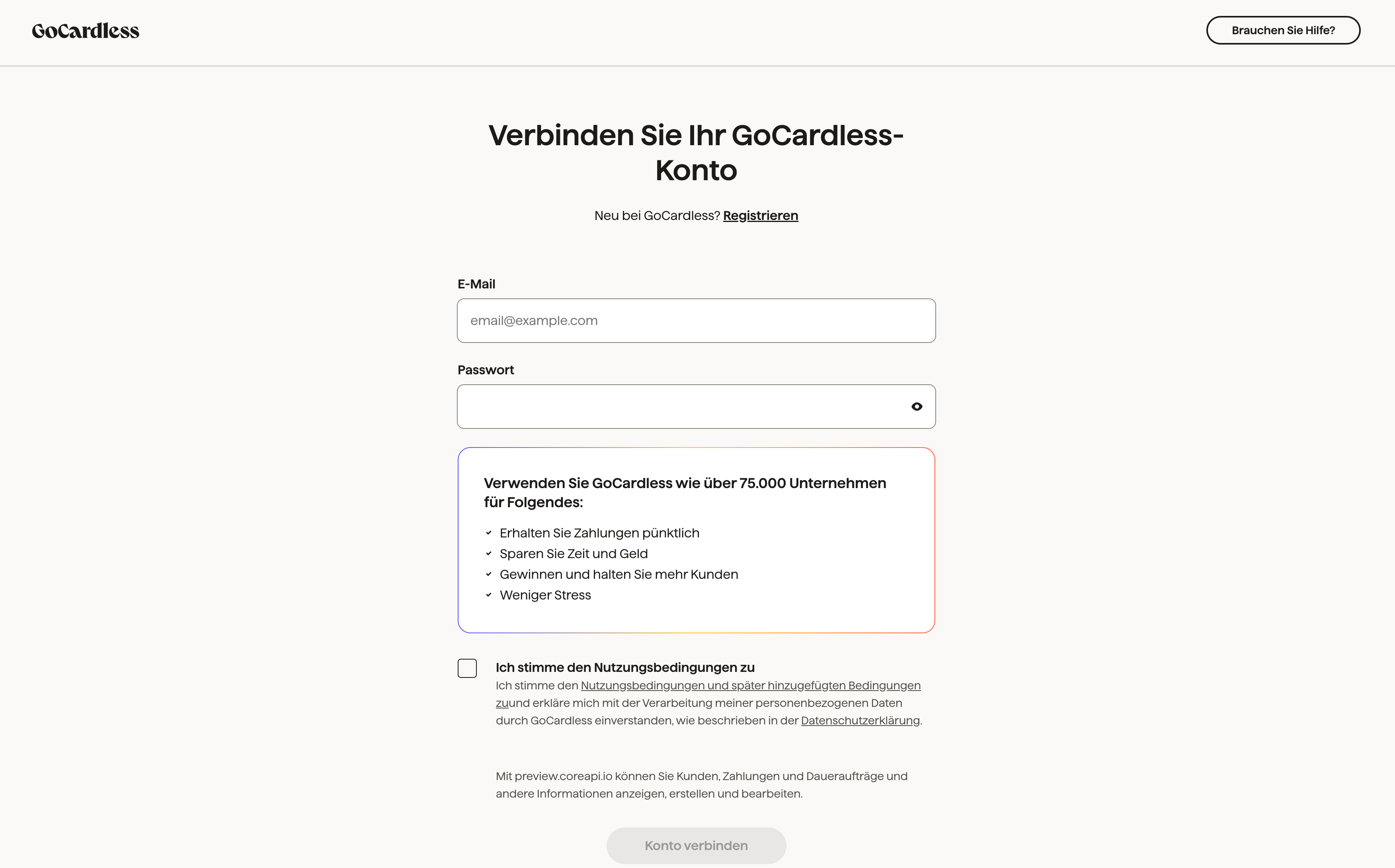
4
GoCardless is successfully connected
After you have logged in to GoCardless or created a new account, you will be redirected back to the Fynn platform and receive a confirmation that GoCardless has been successfully connected.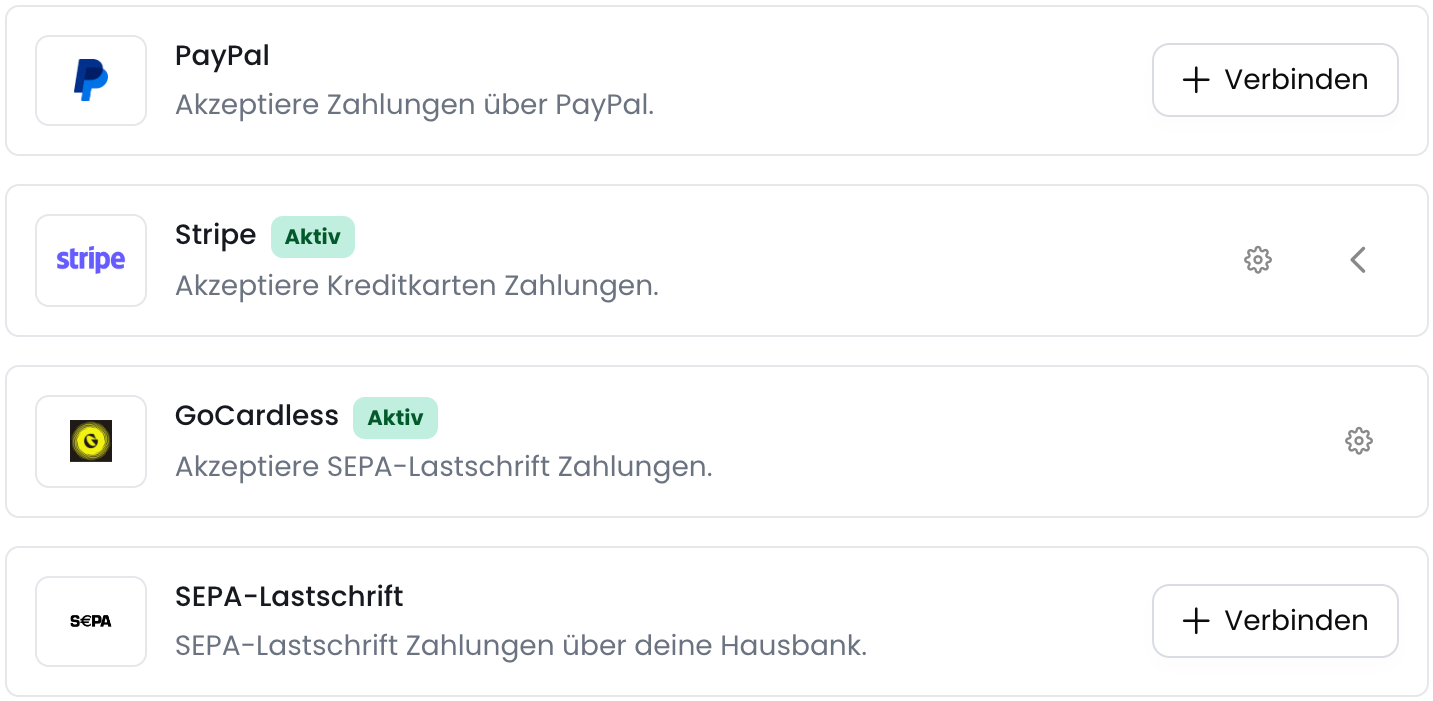
5
(optional) Activate SEPA Direct Debit payment method
After GoCardless has been successfully connected, you can activate the SEPA Direct Debit payment method by clicking the toggle next to “SEPA Direct Debit”.For more details, see Enable payment methods.