

Add Product
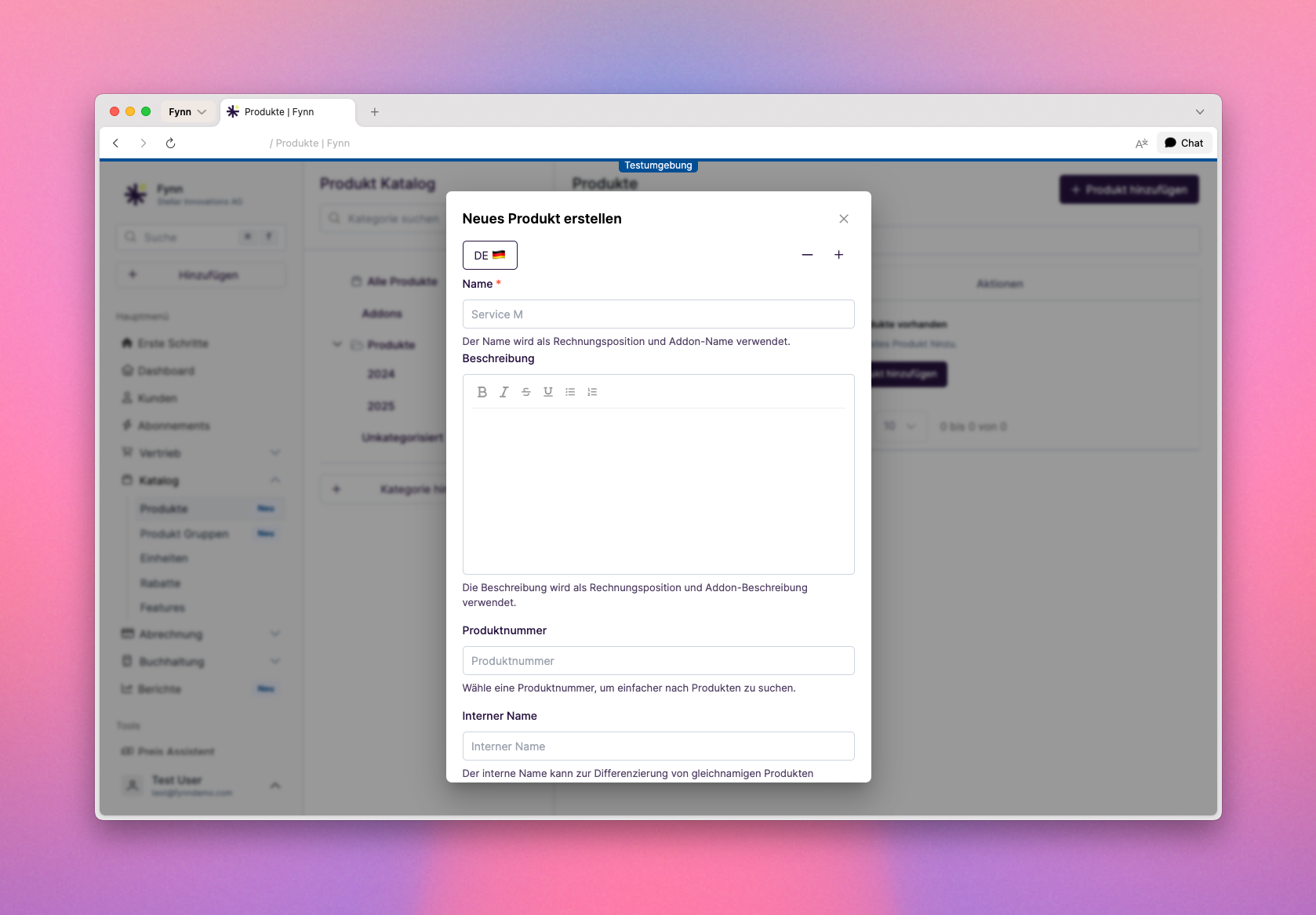
- Name: The name of the product that will be displayed in the product list and on invoices.
- Billable Unit: The unit in which the product is billed, e.g., “Piece”, “Hours”, or “Month”.
- Tax Group: The tax group that applies to this product. This is important for the correct calculation of taxes on invoices.
Archive Product
A product can be archived when it is no longer needed or no longer available. When a product is archived, it can no longer be used for new subscriptions or invoices.Archived products are no longer displayed in the product list or product selection.
- Using Web App
- Using API
1
Open Product Detail Page
Click on Catalog > Products in the sidebar and select the product you want to archive.
2
Archive Product
Click on Archive to archive the product and confirm the action.
3
Product Successfully Archived
The product has been successfully archived and is no longer available in the product list or product selection.