

- Customers
- Subscriptions
- Invoices
- Credit Notes
- Dunning Letters / Payment Reminders
- Payments
- Cancellations
- DATEV Debtor Numbers
- Mandate Reference (SEPA Direct Debit)
Setting Up Number Ranges
Placeholders
To customize your numbers individually, various placeholders are available:{number}: A sequential number that is automatically generated.{day}: The day of the month (e.g., 10).{month}: The month (e.g., 09).{year}: The year (e.g., 22).{yearLong}: The full year (e.g., 2022).{customerNumber}: The customer number.
Number Assignment
Fynn offers two different methods for number assignment:- Sequential Number: Your number is based on a sequential sequence.
- Random String: Your number is generated with random numbers and letters.
Number Formatting
In the “Format” field, you can set the format for the numbers. For example, for invoices, you could use the formatRE-{number}.
Customize Number Ranges
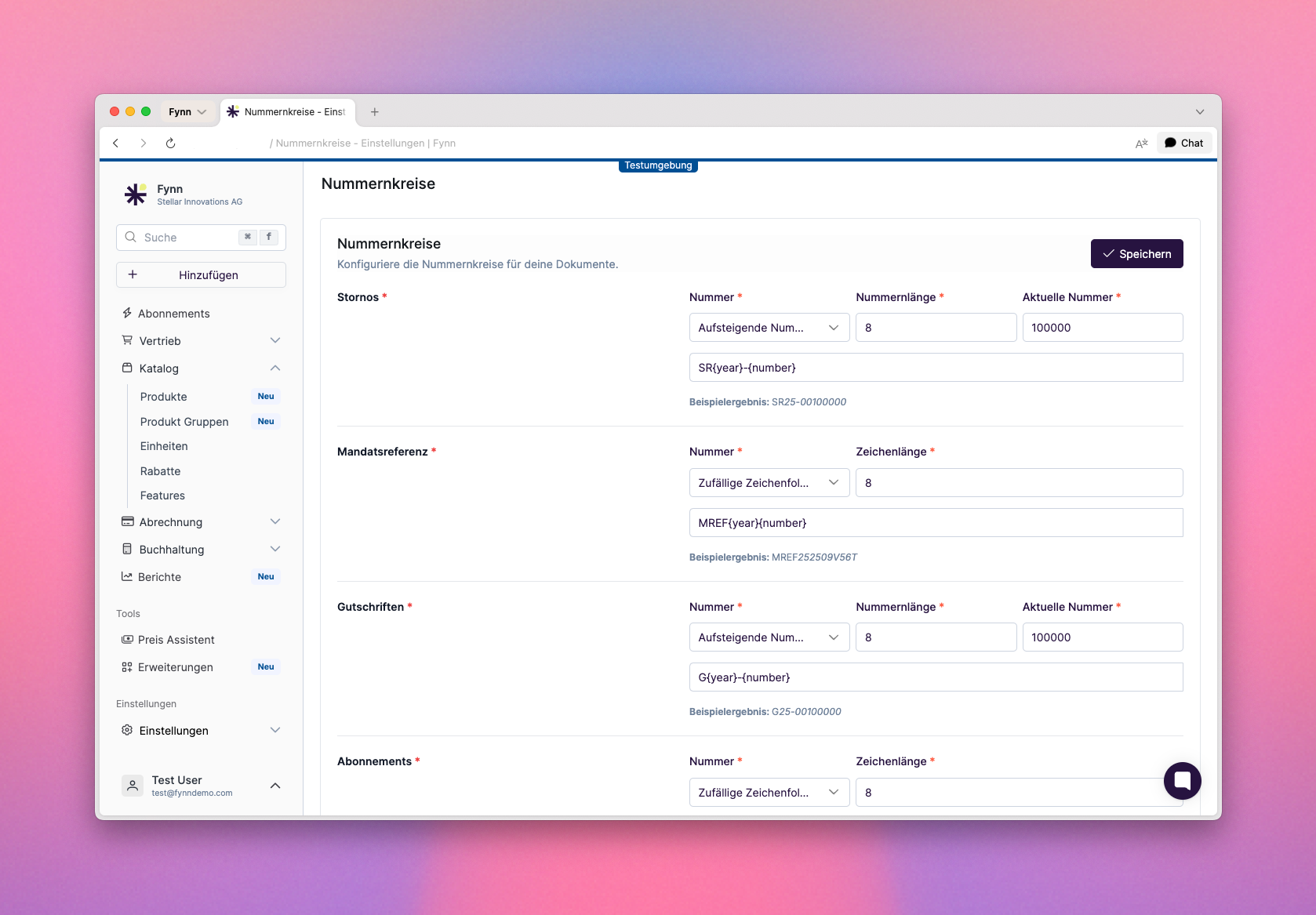
Once assigned, number ranges will not be reassigned, regardless of whether the “Current Number” is reset.