Accounting Settings
You can find the settings under “Settings” > “Accounting”.Ledger Accounts
In the ledger accounts, you can configure the accounts for your accounting. Here you can set the accounts for your revenue, costs, and VAT.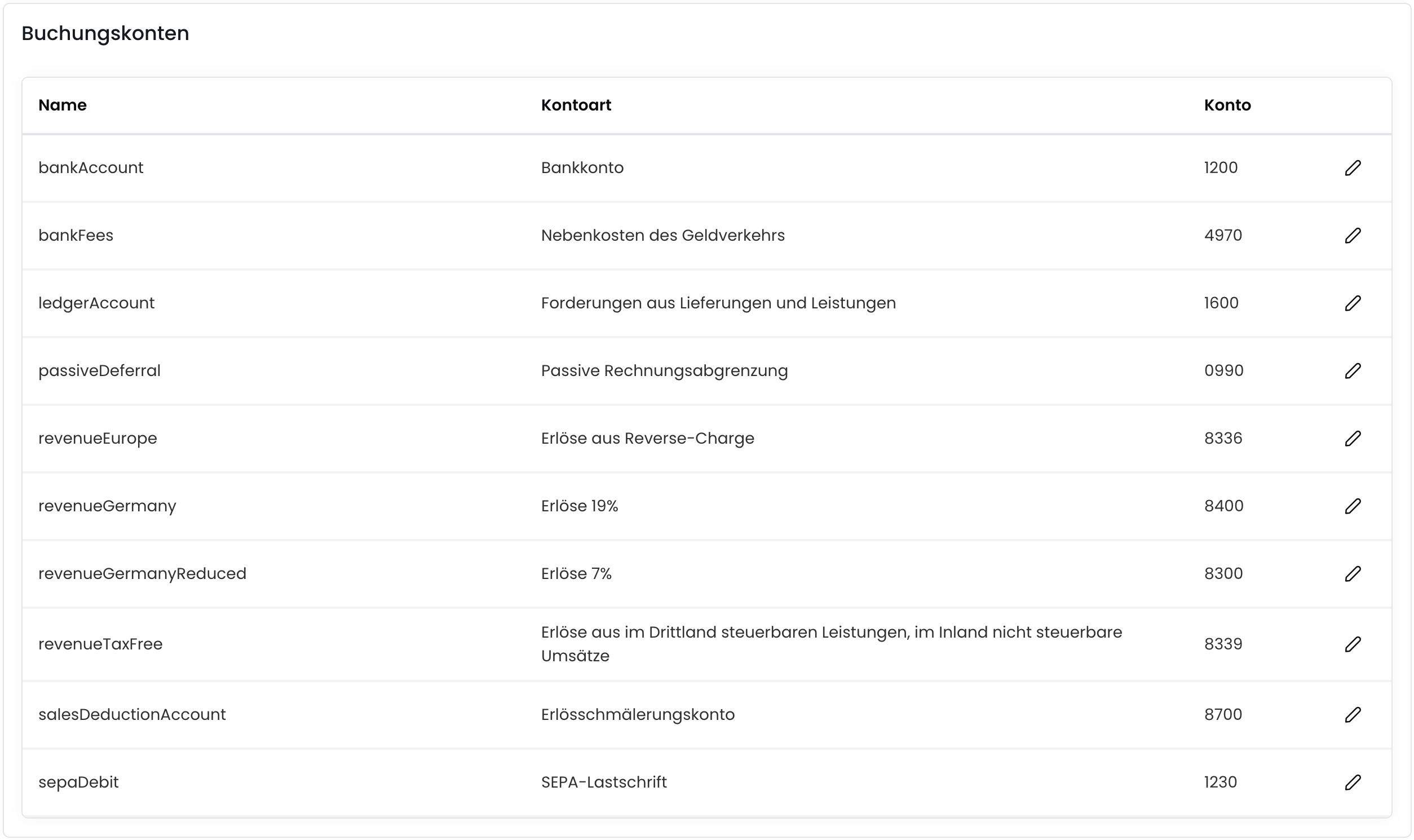
Postings
In the postings section, you can configure the accounting settings. Here you can set the settings for posting items, deferred revenue, and more.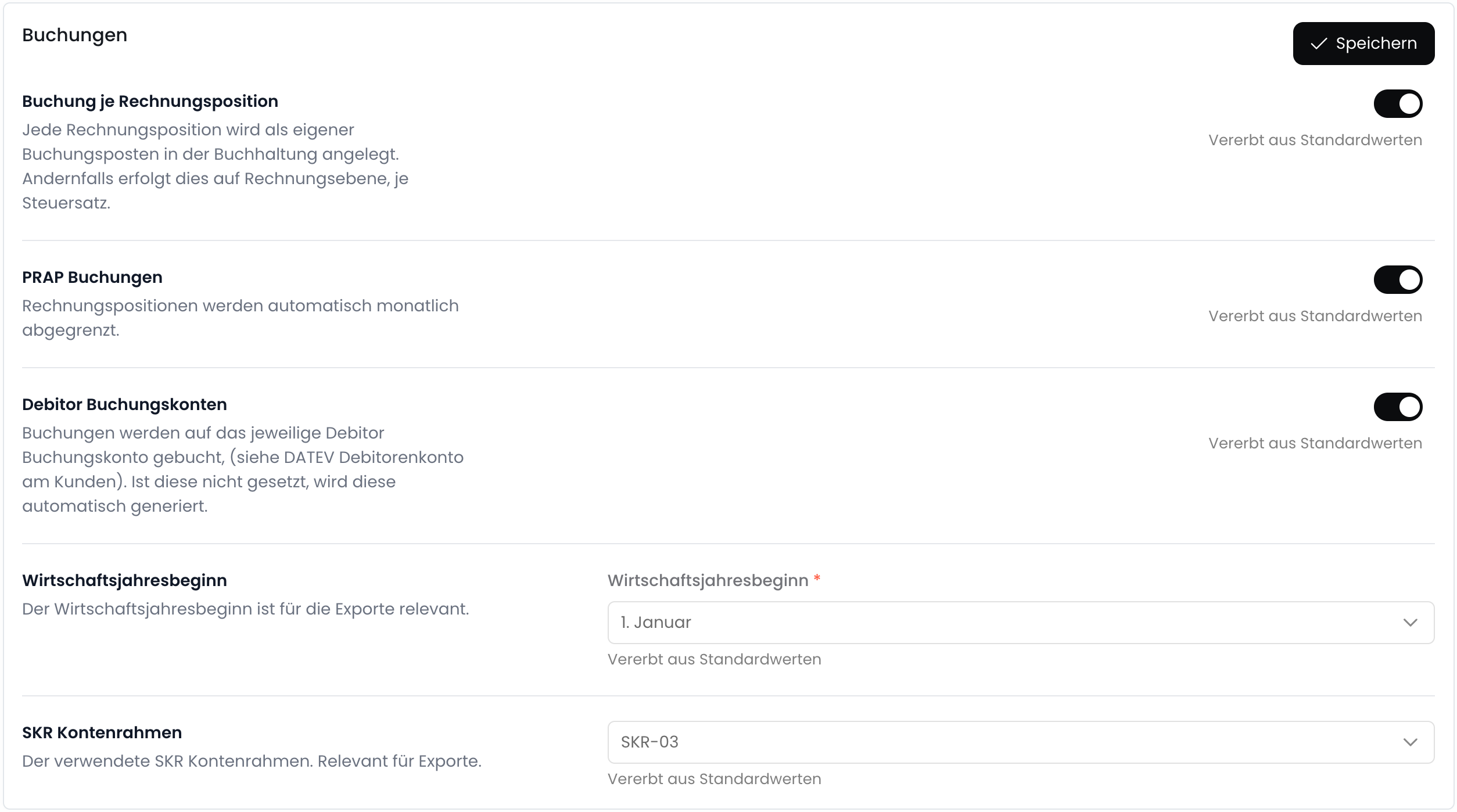
Integrations
Fynn currently supports integration with the following accounting programs:DATEV
Die DATEV-Integration ermöglicht es dir, Kundenstämme, Buchungen und Rechnungen aus Fynn in dein DATEV-System zu übertragen.
Additional Features
DATEV Export
Export postings in DATEV format.
Deferred Revenue
Automatically create passive accruals.
Additional Invoice Recipients
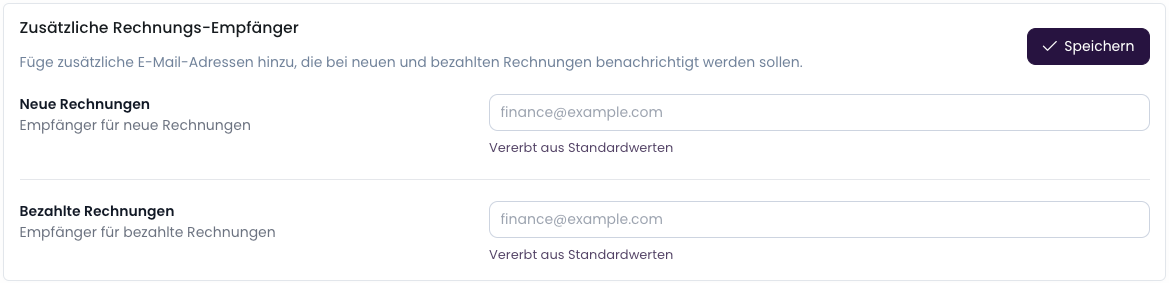
In the settings, you can add additional invoice recipients. They will receive a copy of the invoice via email. You can find the setting under “Settings” > “Notifications” > “Additional Invoice Recipients”.