

Available Payment Methods
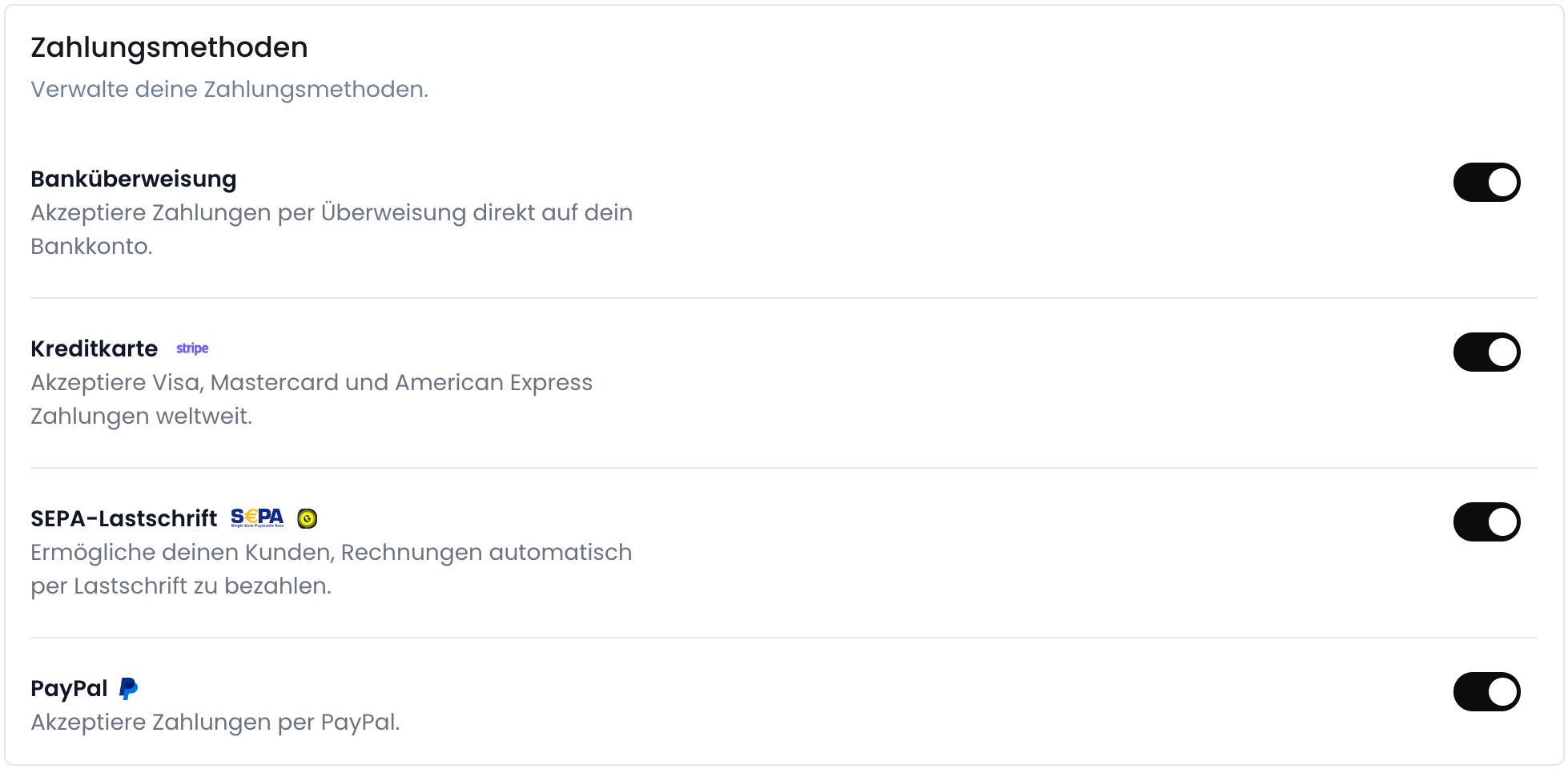
The following payment methods are available:- SEPA Direct Debit: Customers can make payments via SEPA direct debit.
- Bank Transfer: Customers can make payments via bank transfer.
- Credit Card: Customers can pay with credit cards, including Visa, Mastercard, American Express, etc.
- PayPal: Customers can use their PayPal accounts to make payments.
Set Up Payment Providers
To enable payment methods, you must first set up the payment providers.GoCardless
GoCardless ist der Global-Leader für Lastschrift-Zahlungen.
Stripe Payments
Stripe ist ein Zahlungsanbieter, der es Unternehmen ermöglicht, Kreditkarten-Zahlungen zu akzeptieren.
PayPal
PayPal ist ein weltweit führender Zahlungsanbieter für Online-Zahlungen.
SEPA-Lastschrift
Die SEPA-Lastschrift-Integration ermöglicht es dir, Lastschrift-Zahlungen in Euro über deine Hausbank zu akzeptieren.
Überweisung
Mit Hilfe von Klarna kannst du den Zahlungsstatus von Überweisungen automatisiert überwachen.
Enable Payment Methods
After setting up the payment providers, you can enable the payment methods you want to offer your customers.1
Open the Settings
2
Configure the Payment Methods
3
Settings are saved automatically