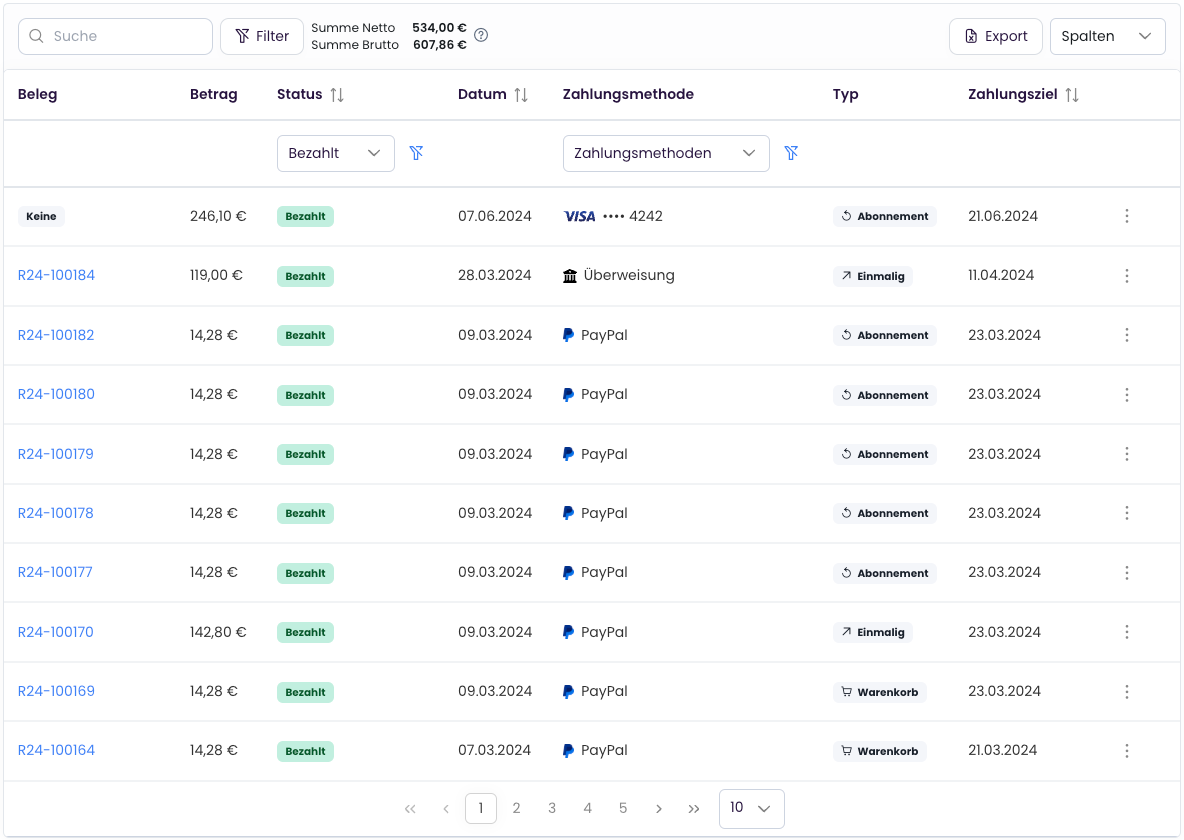
Export Open Items List
With the open items list, you can export open items (unpaid invoices) in CSV format, for example for accounting purposes. To do this, navigate toDocuments > Invoices and click on Export.
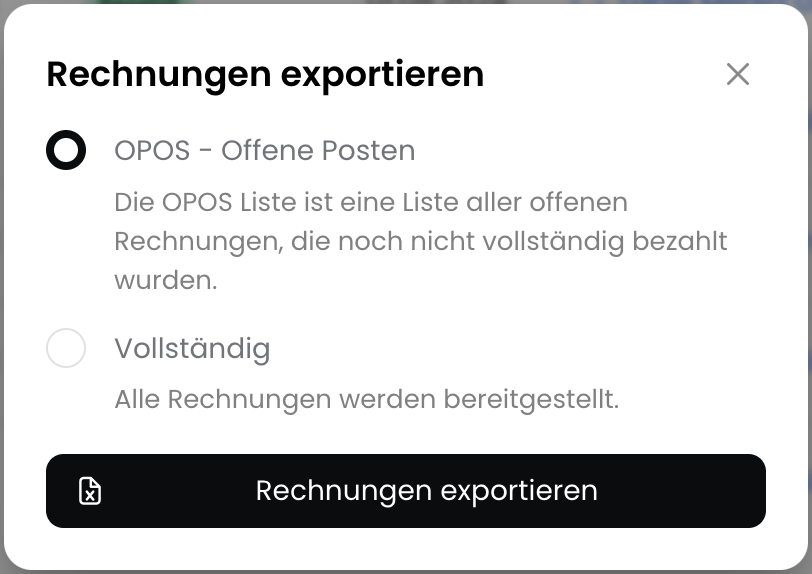
Export Table View
The table can now be fully customized to your needs and the current table view can be exported as CSV. To export, click onExport and select “Table View”.