

Web App Default Values
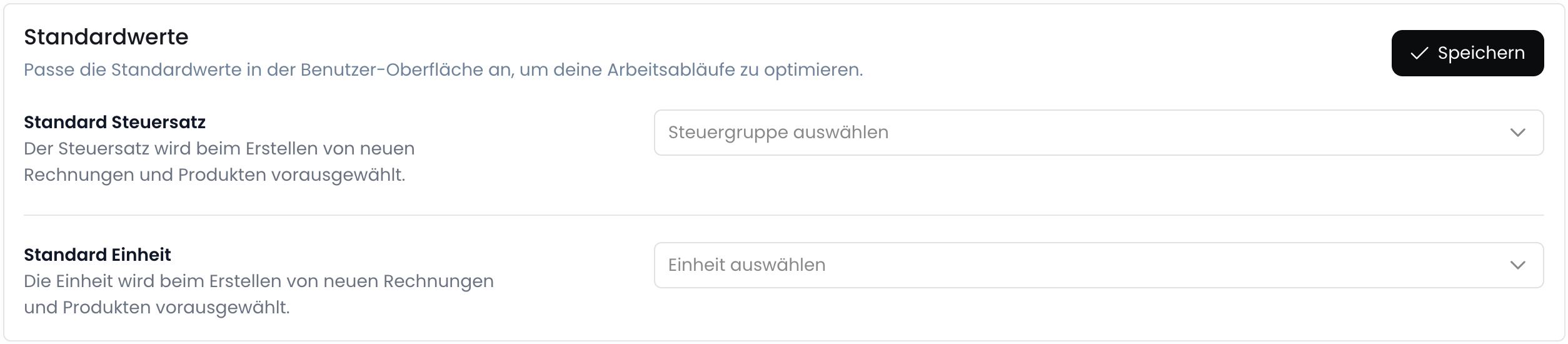
To make working with the web app easier, a default value can be set for some selection fields. This facilitates the work process and reduces the number of manual entries. To set default values, follow these steps:1
Open the Settings
Go to Settings > General
2
Scroll to the Default Values section
3
Select the default values
4
Click on Save
Read-Only Customers
In the web interface, customers can be set to read-only by default. This means that no changes can be made to customer data and no customers can be created. This is useful, for example, if you want to prevent employees from changing customer master data that is synchronized via an interface with the API.Please note that this setting only applies to users of the web interface. For API keys, changes to customers can still be made.
1
Open the Settings
Go to Settings > General
2
Scroll to the Web Interface section
3
Set the customer to read-only

4
Click on Save